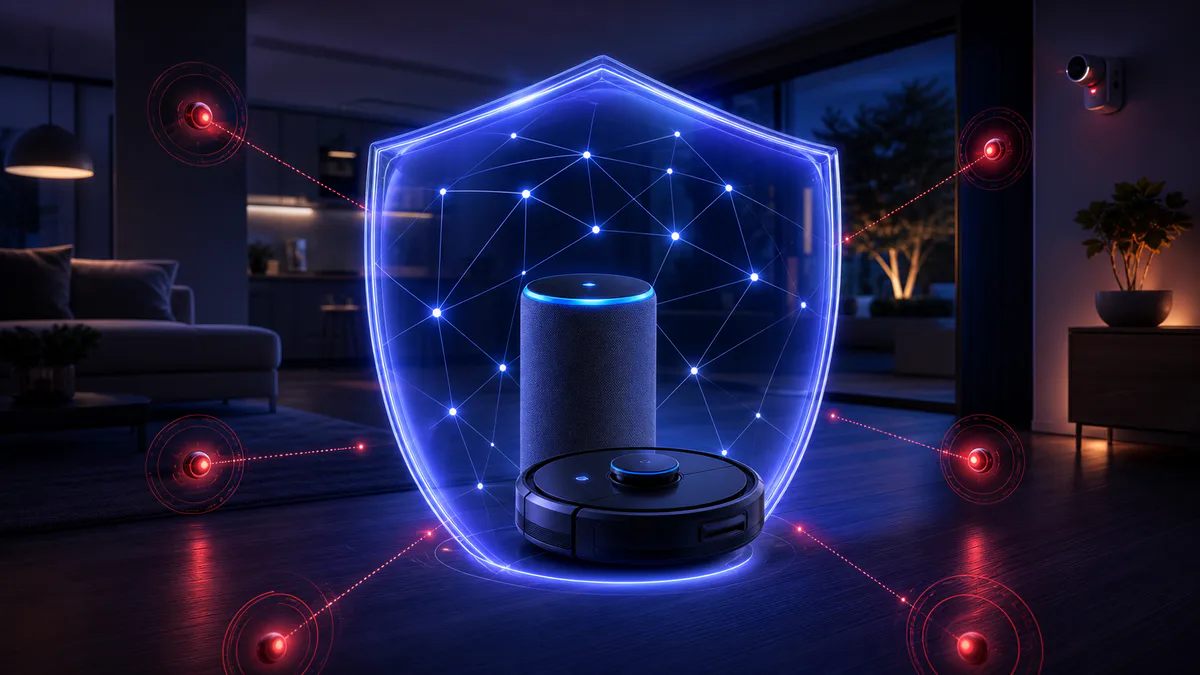


The connected home is changing shape. Until recently, a smart speaker took commands and a robot vacuum mapped your floor. The current generation acts on your behalf, holds logins, and touches your accounts. Security researchers cited by BleepingComputer make the point directly: every AI agent is effectively an identity, and most households do not treat them that way.
That matters because an identity that can act is also an attack surface. This is not a reason to avoid the technology, but a reason to set it up deliberately. Below is what changed, and a checklist for buyers wiring up an agentic home in 2026.
What an "agent" adds to the risk
A passive device responds to you. An agent decides and executes. When an assistant can book, buy, log in or run tasks across services, a compromise no longer just leaks data — it takes actions. This week's security feed reflects that shift.
The Hacker News reported on AutoJack, an attack in which a single web page can hijack an AI agent into executing code on the host machine. The agent reads a page as part of a task; the page contains instructions the agent follows, with no user approval. This is the core problem with agents that browse and act: the content they process can become the command.
The wider landscape compounds it. 01net describes a stealthy new virus targeting more than 200 banking and crypto apps, and a ransomware strain that actively disables antivirus software, with Europe among the first hit. BleepingComputer notes that large breaches keep dumping consumer data wholesale; a recent Texas government breach exposed over three million driver's licenses. And per The Register, premium hardware is not exempt: a checkm8-style BootROM exploit was disclosed for Apple A12 and A13 iPhones.
None of these target a home robot specifically. The point is the environment. You are adding devices that hold credentials and take actions into a landscape where credential theft, account draining and code execution are routine.
The checklist
1. Treat each agent as a separate account, not a feature
If a device or assistant logs into services on your behalf, give it its own credentials and its own scope. Do not hand it your main email or password. Where a service supports it, create a dedicated account or a delegated login with limited permissions. The goal is that compromising one agent does not hand over everything else.
2. Limit what an agent is allowed to do
Agentic features are usually opt-in by capability. Turn on only what you use. An assistant that can read your calendar does not also need payment authority. If a product bundles purchasing, account access and automation by default, narrow it. The fewer actions an agent can take, the less a hijacked agent can do.
3. Require confirmation for actions that move money or data
Any step that spends, transfers, deletes or shares should ask first. If a device offers a "confirm before acting" mode, enable it. This is the single most effective guard against an agent being manipulated by content it processes.
4. Isolate smart-home devices on their own network
Most routers support a guest or secondary network. Put cameras, robots and connected appliances on it, separate from your phones and computers. A compromised device on an isolated network cannot easily reach the machines that hold your real logins.
5. Keep firmware current — and check the track record before buying
The iPhone BootROM disclosure is a reminder that even well-built hardware needs patching. Before buying, check whether the manufacturer ships security updates and for how long. A device that stops receiving updates becomes a growing liability. This is a buying criterion, not an afterthought.
6. Use unique passwords and a password manager
Breaches dumping millions of records mean credential reuse is the most likely way an attacker reaches you. A unique password per service, stored in a manager, contains the damage. Enable multi-factor authentication on the accounts your agents connect to.
7. Protect the phone that controls everything
The malware targeting banking and crypto apps usually arrives through the smartphone, which is also the control hub for most smart-home and assistant ecosystems. Install apps only from official stores, keep the OS updated, and review which apps have accessibility or overlay permissions — the ones banking trojans abuse.
What this means for buyers
Assistants that act and robots that integrate with your accounts are useful. They also raise the cost of a compromise from inconvenience to action taken in your name. The response is not to refuse the technology, but to judge a product partly on how it handles identity, permissions and updates, and to set it up with those constraints from the start.
When comparing devices, weigh security alongside the hardware: scoped permissions, confirmation steps, an update commitment with a clear end date, and isolation options. A product that treats your agent as an identity to protect is worth more than one that treats agency as a headline feature.
For ongoing coverage, see our cybersecurity and robotics feeds, and the glossary for the terms above.